Business
How To Face Swap on Davinci Resolve Software

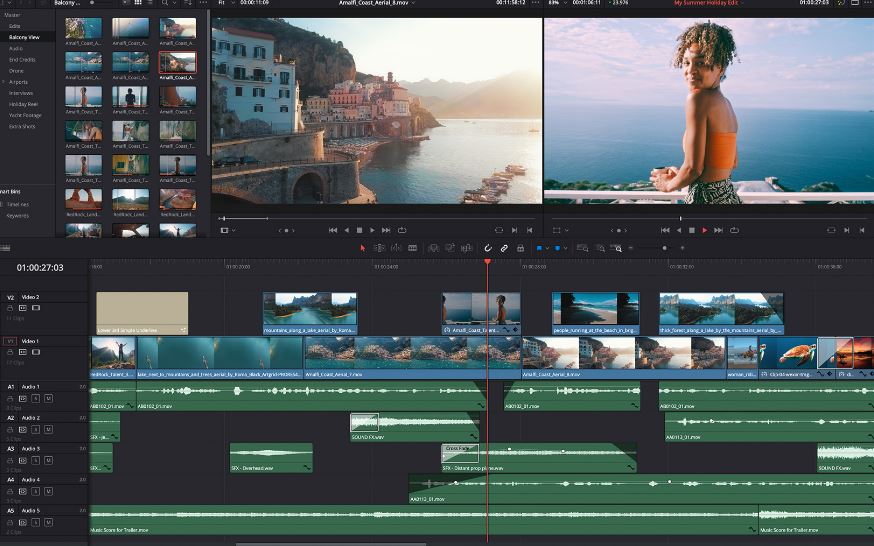
I will be showing ways on how you can face swap on Davinci Resolve.
DaVinci Resolve is a free face-swapping software for Windows, macOS, and Linux. It is a potent video editing program that provides all the necessary and sophisticated video editing capabilities.
Additional media, such as music videos, commercials, concert production, and web media, have been produced using DaVinci Resolve.
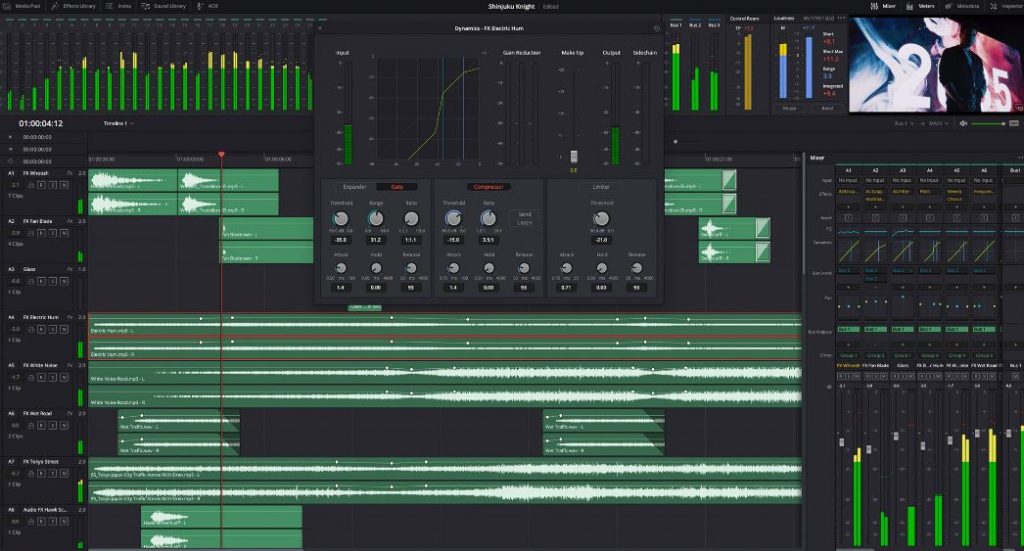
How To Face Swap in Davinci Resolve 2022
- Use the Import File option to launch this video editor and load the video and face image. The Media Pool tab will show loaded media.
- Drag the video from the media pool over to the video track in the Timeline Editor after that. Drop the image on the track above the video track in a similar manner.
- In order to access the Inspector panel, first choose the Face Image track from the timeline and then click the Inspector button.
- You can adjust the position and size of a face image using the Inspector panel’s zoom, position, rotation angle, etc.
- Then, start positioning the face image over the face that is shown in the video in every frame by using the keyframe (diamond) button that is located in front of each Inspector tool.
- Similar to this, you must designate where the face image will appear across the video timeline.
- Once finished, navigate to the Deliver section and begin exporting video in the supported formats, including MOV, AVI, MP4, and others.
Conclusion
That’s all. You are done. You can check out this 5 Best Face Swap Video Editor Software For PC 2022.










-

 news4 days ago
Iraq World Cup Soccer Star Aymen Hussein Detained At O’Hare Airport
-

 news4 days ago
Two Pilots Killed in Dominican Republic Private Jet Crash Bound for Yadier Molina
-

 news4 days ago
Texas College Student Shot and Killed by Brazoria County Deputy Inside Garage
-

 news4 days ago
DOJ Launches Unprecedented Drive to Strip U.S. Citizenship From 17 People